

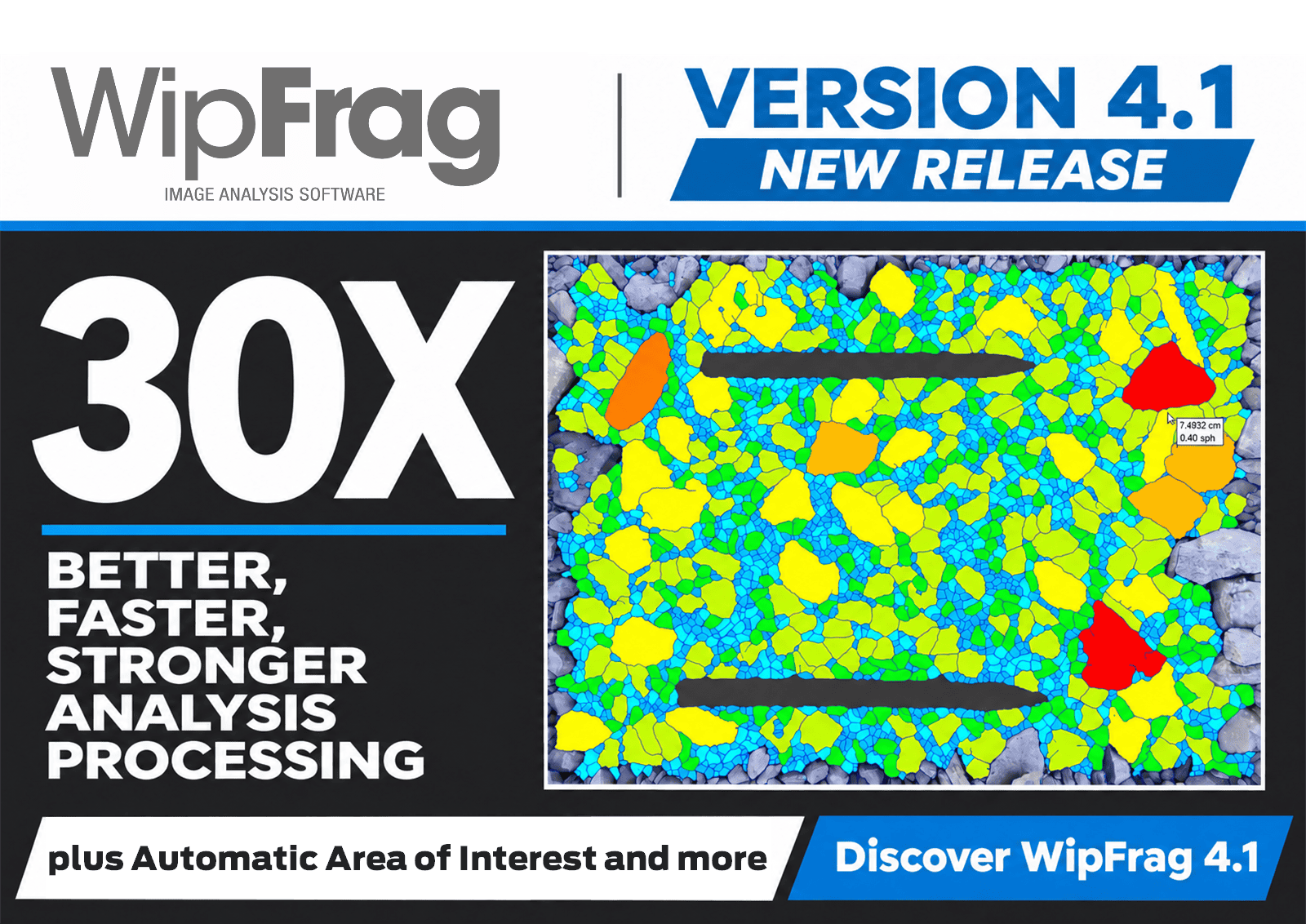
WipWare is pleased to announce the release of WipFrag 4.1, delivering a dramatic improvement in Deep Learning analysis performance, alongside a new Automatic Area of Interest feature designed to make image analysis faster and more convenient.
Following a series of smaller updates focused on refinements, interface improvements, and additional functionality, WipFrag 4.1 represents a significant advancement in the software’s core analysis capabilities.
Deep Learning Analysis, Now 30× Faster
The biggest advancement in WipFrag 4.1 comes from a substantial redesign of the underlying Deep Learning library architecture.
By optimizing how the software processes its Deep Learning models, WipWare has achieved an average 30× improvement in Deep Learning analysis speed, based on performance testing across supported platforms.
This improvement brings Deep Learning processing speeds in line with traditional Classic edge detection, allowing users to take advantage of the advanced particle recognition capabilities of Deep Learning without the significant processing time previously associated with it.
Deep Learning edge detection uses trained models to recognize particle boundaries, helping distinguish individual particles in complex images. While this approach offers advantages over traditional edge detection methods, its greater computational demands have historically required more processing time.
With WipFrag 4.1, that trade-off has been dramatically reduced. Faster processing makes Deep Learning a more practical choice for everyday fragmentation analysis, particularly when working with large image sets or projects containing numerous analyses.
All the intelligence of Deep Learning, now with the speed of Classic edge detection.
Performance improvements are based on average test results across platforms. Actual processing speeds will vary depending on hardware, image characteristics, and analysis conditions.
Introducing Automatic Area of Interest
WipFrag 4.1 also introduces Automatic Area of Interest (AoI), a new feature designed to simplify image preparation.
The Area of Interest defines which portion of an image is included in particle analysis. Users have traditionally been able to define this region manually to exclude unwanted areas or focus on a specific section of material.
With the new Automatic Area of Interest feature, WipFrag can generate this region automatically, reducing the manual work required to prepare images for analysis. Simply right-click (or tap and hold) on the AoI editing tool after it is active, and choose “Auto”.
Together with the improvements to Deep Learning processing, this new functionality helps streamline the familiar WipFrag workflow, allowing users to spend less time preparing and processing images and more time interpreting their results.
Explore What’s New in WipFrag 4.1
The overall WipFrag workflow remains familiar, so existing users can take advantage of these improvements without having to relearn the software.
For a closer look at the new features, watch our WipFrag 4.1 Release Update Video.
Release announcements, instructional videos, and other important software updates are also available through the Message Center, accessible from the WipWare Account menu within WipFrag.
To get started with the latest release, visit our Get WipFrag page to download WipFrag 4.1.
Note for Solo 6 and Reflex 6 users: WipFrag 4.1 is NOT currently compatible with existing system software. Please review the compatibility information below before installing or updating.
Continued Improvements to WipFrag 4.1
As users explore WipFrag 4.1, WipWare will continue monitoring feedback and addressing any issues identified. Additional updates are planned throughout the 4.1 release cycle to deliver fixes, refinements, and further improvements as they become available.
Important Information for Solo 6 and Reflex 6 Users
Customers using WipFrag 4.0 as the interface for existing Solo 6 and Reflex 6 systems should be aware of an important compatibility requirement.
WipFrag 4.1 is NOT currently compatible with these systems’ existing software. Because WipFrag automatically updates when connected to the Internet, some users may have already received version 4.1.
To maintain compatibility, these systems must continue using WipFrag 4.0 until an appropriate system software upgrade is available.
WipWare has made a version-locked WipFrag 4.0.65.0 installer available on the Get WipFrag page. This version will NOT automatically update to WipFrag 4.1.
What should existing system users do?
- If your system has already updated to WipFrag 4.1: Uninstall WipFrag 4.1 and reinstall using the version-locked 4.0.65.0 installer to restore compatibility.
- If your system is still running WipFrag 4.0: We recommend uninstalling the existing version and reinstalling using the version-locked 4.0.65.0 installer to prevent an automatic update to 4.1.
Future Upgrades for Existing Systems
WipWare is preparing software upgrade options for existing Solo 6 and Reflex 6 customers that will introduce new system capabilities and enable compatibility with the WipFrag 4.1 interface, without requiring hardware changes.
WipWare will contact eligible customers as these upgrades become available.
For assistance with software compatibility or upgrading an existing system, please contact WipWare.
 WipWare