

We’ve put together some photoanalysis systems FAQs based on questions from our customers.
WipWare Image Analysis Systems produce real-time 24/7 results that allow personnel to identify, evaluate, and optimize troublesome areas of their process while maintaining production.
Our systems are installed in many different applications around the world. These applications vary from analyzing wood chips to detecting oversize material or contamination in diamond mines. The applications are endless.
From Mine to Mill
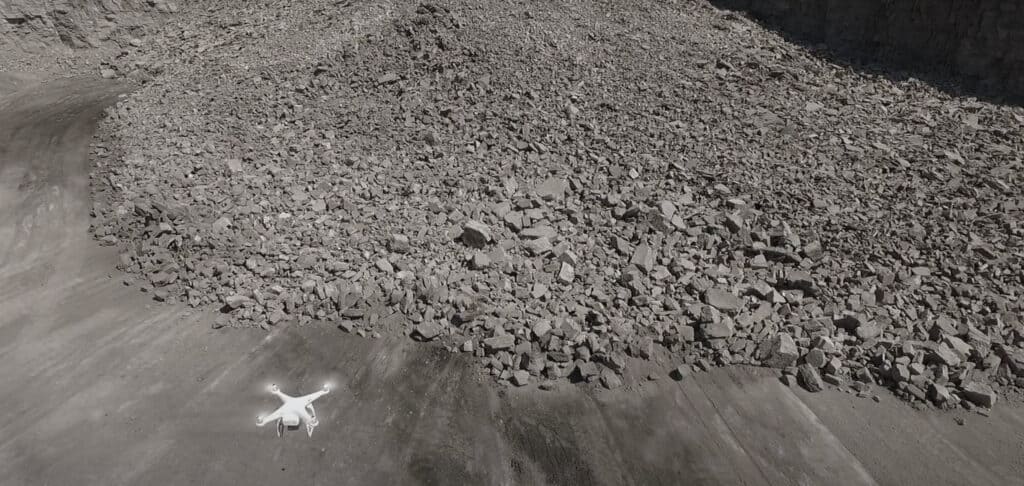
The term Mine to Mill highlights the importance of fragmentation data on both the blasting and processing end of operations. This term applies well to WipWare line of products from the muckpile after a blast to analyzing material on the conveyor.
Mine-to-mill technology takes the entire system into account, from the blasting process to the comminution circuit. This optimization provides a complete fragmentation and size reduction solution to maximize benefit.
Logiciel d'analyse d'images WipFrag
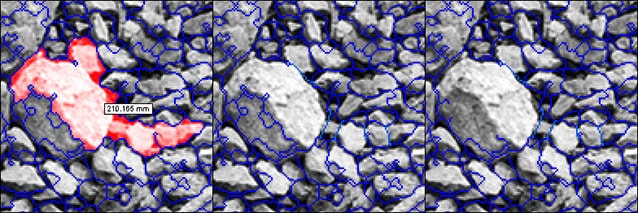
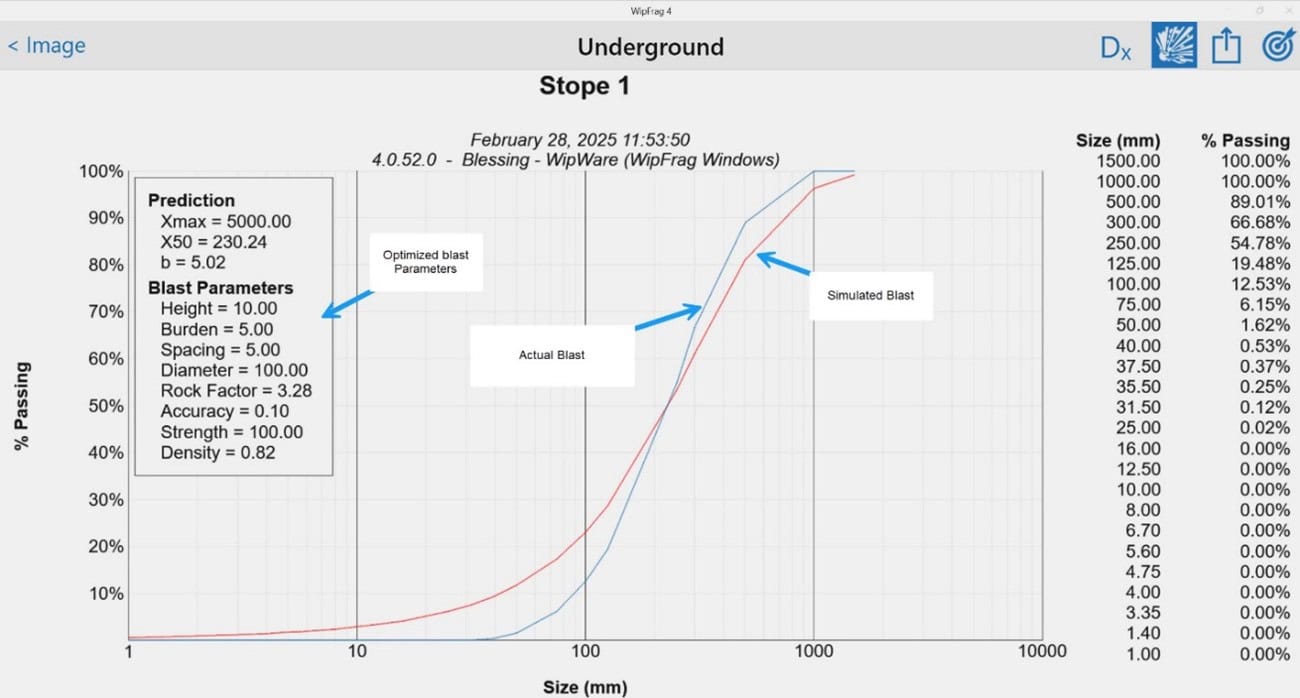
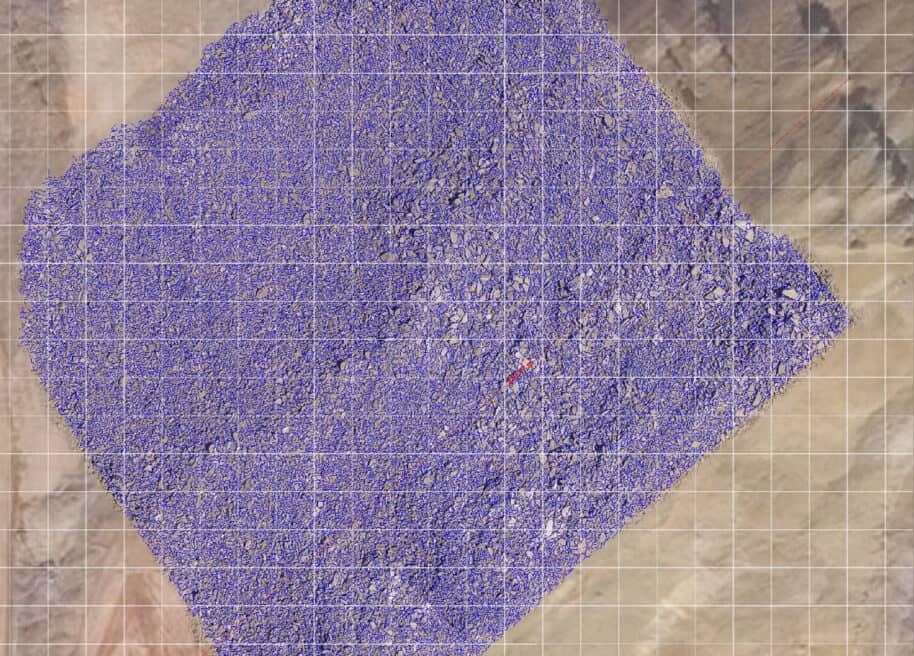
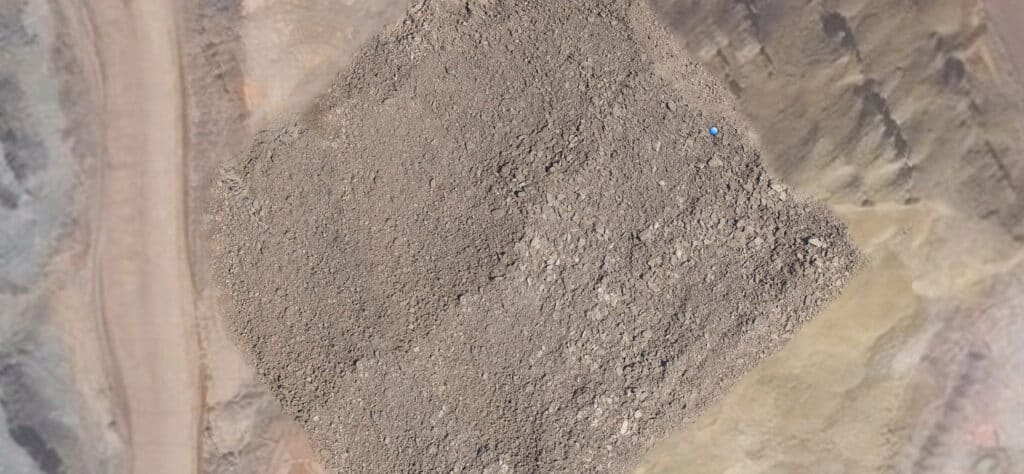
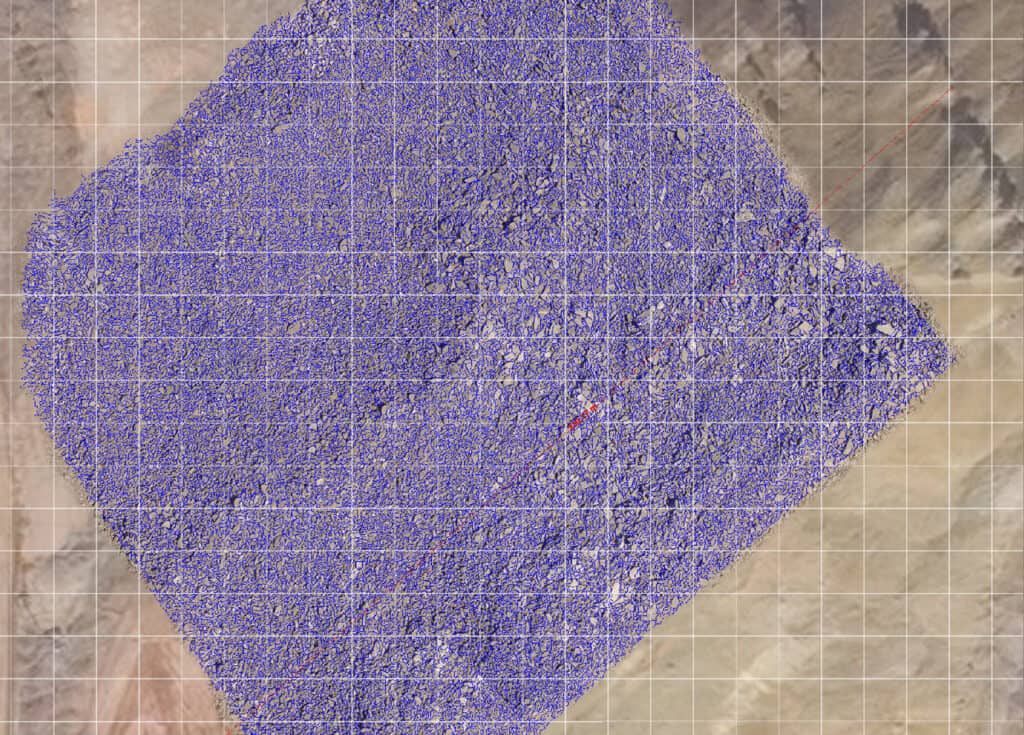
WipWare’s WipFrag 4 Image Analysis Software effectively analyzes data from a recent blast and produces results of the blast material on-site in minutes.
Système d'analyse de véhicule Reflex
From there, as the trucks haul the material to the primary crusher, you can detect oversize material or contamination and divert the material accordingly.
Once at the primary crusher, our Reflex systems can detect oversize material, contamination or give full particle size distribution analysis as the material is dumped.
Système d'analyse de convoyeur solo
After the material has gone through this process our systems can continue to analyze the material on the conveyor belt. 
At this stage, you can determine what is the most important information you want to retrieve: detect oversize, divert material, identify contaminated material or receive full Particle Size Distribution data 24/7 in real-time.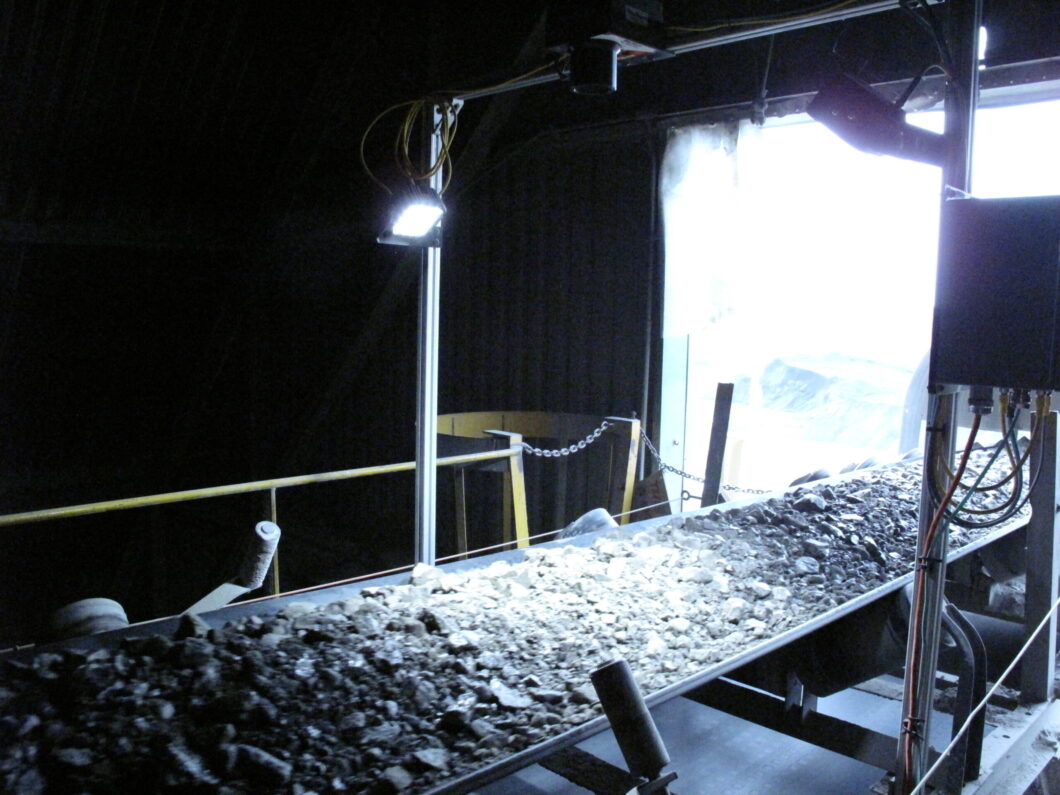

Now, here’s the cool part: our WipFrag software is also the HMI (Human to Machine Interface) for our systems. Not only can you use our software separately to analyze your blast material, but the same software is also used to analyze your material all along its journey from Mine to Mill.
Many potential customers ask this very question about the benefits of WipWare products. Well, here’s the answer.
WipWare offers industry-leading photoanalysis technology for accurate, real-time fragmentation assessment, optimizing blasting, crushing, and grinding operations. With features like deep learning, auto-scaling, GIS compatibility, and orthomosaic analysis, WipWare ensures precise measurement and continuous improvement. The software’s specification envelope, histogram reporting, and boulder counting enhance decision-making, reducing downtime and costs. Additionally, WipWare provides flexible pricing, cross-shipping warranties, and expert support, making it the top choice for efficient mining and aggregate operations.
Furthermore, our online Systems provide data to the customer 24/7 to identify troublesome areas of your process from Mine2mill.
In conclusion, our Solo Basic or Complete, Réflexe Basic or Complete and WipFrag software can drastically lower energy, and maintenance costs, as-well as cut equipment downtime and aid in quality control.
WipWare utilise des lasers de détection de profondeur de ceinture précis pour détecter à la fois
A) Courroies vides, comme avec les modèles Solo précédents
B) La profondeur de matériau sur la bande transporteuse
When you tie the material depth information with the conveyor belt speed and your belt weightometer reading, you are able to extract the specific gravity of the material passing. Having the specific gravity information will allow you to determine whether the material passing is waste or ore-bearing material. 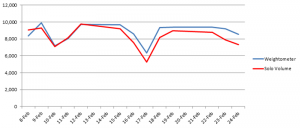
Lors de tests préliminaires dans une opération de calcaire, WipWare a pu atteindre une corrélation de 94% entre les calculs volumétriques et les lectures du peseur de la bande.
Une exploitation pourrait utiliser ces informations pour empêcher les déchets d'entrer dans le processus de concassage, ce qui permettrait d'économiser des sommes importantes en coûts d'entretien et d'énergie.
Volumetrics users have the added benefit of receiving accurate particle sizing results as well as another new feature allowing you to detect contamination.
Les données de détection de taille, de forme, de volume et de contamination étant diffusées de manière transparente en temps réel, les technologies automatisées de WipWare fournissent des mesures de données trois fois plus précises que celles de ses concurrents.
Chez WipWare, nous nous présentons souvent comme un fournisseur de technologies minières et d'agrégats, car ces deux secteurs constituent l'essentiel de notre activité. La beauté des technologies de photoanalyse, c'est qu'avec une image appropriée, nos produits peuvent analyser n'importe quoi, du micron aux planètes. Nous savons tous que la granulométrie automatisée est un élément crucial de l'industrie minière et des agrégats, mais comme vous le verrez, la taille des matériaux n'est pas seulement importante pour les roches. Voici quelques-unes des applications intéressantes avec lesquelles nous avons eu le plaisir de travailler :

Rover Curiosity de Mars : There may not be any mining on Mars (that we know of), but the Curiosity rover is taking pictures that are being analyzed for oversized obstacle detection. What a great way to identify and steer clear of obstacles and keep Curiosity roaming.
Oeufs brouillés. That’s right, I said scrambled eggs. A food supplier from the US contacted us looking to optimize the fluffiness and fragmentation of the scrambled eggs they use. I’ll never look at scrambled eggs the same way ever again.
Kimberlite traitée : Getting out of our chef’s apron and putting our hard hats back on, we have been working very closely with multiple diamond companies around the world to accurately analyze the process kimberlite material on their conveyor belts. What’s so incredible about this application? Well, it’s pretty normal, except for the fact that the material ranges from as low as 1.2mm (0.0472440″ for our Imperial friends). Once again, if a suitable image can be captured, WipWare can analyze it.
…And of course, we work with hundreds of applications that deal with broken screen detections, contamination, quality control procedures, pre- and post- crusher optimization and SAG mill throughput applications.
Both Delta (Solo 6 and Reflex 6) and WipFrag produce a percentage passing curve visible after each virtual sieve analysis. It also saves the data to a CSV (comma-separated values) file. Each sieve analysis produces a new line in the CSV file that represents the results from the sieve.
Ce fichier CSV contient :
– Timestamp (Year/Month/Day/Hour/Minute/Second)
– D-values (XX% passed the specified size – Ex. 90% of the material passes 13.87 inches[352.30mm])
– User specified size classes (% passing or retained at the specified size)
– Block (amount of particle detected)
– Min, Max, Mean, St. Dev, Mode
– Sphericity (The shape of the material – 0=Linear Objects 1=Perfectly Round)
– Coverage (How much of the image is used)
– Calibration Values (b, Xmax, X50, Xc and n)
– EDP values (Edge Detection Values)
– Calibration factors
– System info (CPU temp, Board temp, Voltage checks)
– System uptime
– Camera setting at the time of the image.
– Modbus and OPC poll rate
– Vehicle Identification Information (Reflex Only)
Delta (Solo 6 and Reflex 6) can e-mail these CSV files automatically as well as an average of the entire day on one passing curve. It also has a trending graph in the lower section of the software interface which trends the data for the current day.
De plus, Delta a la capacité de sortir les informations d'analyse à l'aide d'une connexion Modbus ou OPC pour transmettre les informations à votre historien, API ou IHM.
Le seul entretien régulier requis pour nos systèmes est de s'assurer que la lentille et les lumières sont propres avec le moins de poussière/saleté possible.
La fréquence à laquelle le système devra être nettoyé dépendra de l'environnement dans lequel il fonctionne :
ENVIRONNEMENT/ FRÉQUENCE
Très poussiéreux 1-3 semaines
Poussière modérée 2-6 semaines
Peu ou pas de poussière 4-8 semaines
Méthode 1 : tuyau d'arrosage
The first method is the most common. Using a water hose, simply spray down the system ensuring the lens is clean and free of any noticeable dust or dirt. If possible, use a squeegee to remove any droplets that may remain on the lens. Doing this helps prevent dust from collecting in the droplets that remain which could leave deposits on the lens that interfere with image capture. Since our systems are completely waterproof this method is usually the easiest and most effective way to clean the lens. It can also be done without having to shut down the conveyor belt.
Méthode 2 : nettoyer un chiffon humide/une serviette en papier
Une autre option consiste à utiliser un chiffon propre et humide ou une serviette en papier avec de l'eau ou du Windex. L'idéal serait d'utiliser un chiffon en microfibre propre, mais ceux-ci peuvent être difficiles à trouver sur les sites miniers. Essayez de ne pas appuyer trop fort lorsque vous essuyez l'objectif, la poussière accumulée pourrait laisser des rayures dans l'objectif si une pression trop forte est appliquée. Remarque : À des températures inférieures à zéro, évitez d'utiliser de l'eau ou du Windex car cela gèlerait sur l'objectif et entraînerait une qualité d'image inadéquate. Nous vous recommandons d'utiliser un lave-glace standard conçu pour la bonne température inférieure à zéro.
Méthode 3 : Air comprimé
It’s also acceptable to use compressed air from a can or hose to dust off our systems. This method works well but will kick up a lot more dust than the liquid methods. We recommend using a dust mask when using compressed air to clean off out systems.
La réponse simple est oui.
The computer can store up to 1000MB worth of images without any issues. Once beyond this point the hard drive could start having problems accessing the image folder causing the computer to run slower than normal, so the oldest images are overwritten automatically.
Remarque : Toutes les données sur la taille des particules sont conservées dans un fichier CSV qui est beaucoup plus petit et vous permet de stocker les données sur une plus longue période.
La plupart de nos systèmes utilisent un appareil photo de 1,2 MP et les images font en moyenne 180 Ko chacune, donc 1 000 Mo de stockage peuvent accueillir environ 5 600 images.
Running 24 hours per day the system can roughly save the following number of images:
Si vous prenez 1 image toutes les 20 secondes, vous auriez 4 320 images par jour. ~31,2 heures
Si vous prenez 2 images toutes les 20 secondes, vous auriez 8 640 images par jour. ~15,5 heures
Si vous prenez 3 images toutes les 20 secondes, vous auriez 12 960 images par jour. ~10,3 heures
To calibrate, or not to calibrate; that is the question. And it’s an important question to ask prior to installing your online bulk material analysis system, regardless of the industry you’re in. Let’s help you figure out why calibration may or may not be your best bet, and whether you will see value in calibrating your system.
L'une des lacunes de la technologie d'analyse de la fragmentation des roches basée sur l'image est l'incapacité d'analyser le matériau sous-jacent circulant sur une bande transporteuse. Ainsi, dans des circonstances normales, sans étalonnage, les matériaux fins sont généralement sous-représentés lors de l'utilisation de l'analyse d'images. La même chose peut être dite pour l'analyse de fragmentation de souffle, mais j'y reviendrai un peu plus loin dans l'article.
Si les technologies d'analyse photographique représentent du matériau sur la couche supérieure, et sous-représentent le matériau sous-jacent, une opération peut compenser cette déficience en calibrant. (Pour le guide pratique sur l'étalonnage, consultez ce lien).
The way I see it, without sounding too much like a broken record, calibrated photo analysis technologies take the best of both worlds: Quantity and quality.
Take the following scenario as an example: Company ABC wants to adjust the SAG feed based on particle size analysis. By doing so, they need to know when to draw fine material from the stockpile and when to draw coarser material. Calibration allows for the proper “mix” of bulk material in order to optimize the process.
The Swebrec and Rosin-Rammler functions are great for adjusting the distribution curve to accurately compensate for fine material… But what if you are looking strictly at the coarse sizes, say, for oversize detection?
If this is the case, you may want to reconsider the calibration process.
Allow me to explain:
A calibrated system is making certain assumptions about material underneath the top layer and may even bias your coarse material fractions when trying to adjust the distribution curve. So, if you are planning on having a conveyor belt shut down if it detects material over x size, you may want to reconsider taking the chance of biasing your results. Instead, an uncalibrated system is going to get you very useful data that will allow you to stop/start/act on out-of-spec readings and optimize your process.
What are other reasons why clients don’t calibrate?
Lorsque le matériel est trop volumineux, il est beaucoup plus difficile d'échantillonner manuellement le matériel, et cela pourrait être coûteux. Ce problème se pose le plus souvent du côté du sablage de l'application, où l'optimisation du sablage repose fortement sur la détection des changements relatifs de la taille du matériau.
Pour l'analyse post-broyage, certains clients détectent l'usure du revêtement par des augmentations relatives de la taille du matériau, rendant ainsi l'étalonnage inutile.
En résumé, l'étalonnage a certainement son utilité dans les industries minières et des agrégats, et plus précisément, lorsque des tailles de matériaux plus fines sont une partie nécessaire du dilemme ; cependant, les systèmes non calibrés sont toujours très utiles pour optimiser votre processus et pour suivre les changements relatifs.
WipWare Inc. provides a one-year limited warranty on all products, including components and software. To offer customers peace of mind, WipWare also offers an annual service contract, which includes exclusive technician service rates, monthly check-ins, extended system warranties, and more.
With the purchase of any WipWare photoanalysis product, the warranty covers cross-shipping for any defective product under the WipWare Limited Warranty, ensuring minimal downtime for customers.
Pour plus de détails sur la garantie limitée WipWare, consultez ici.
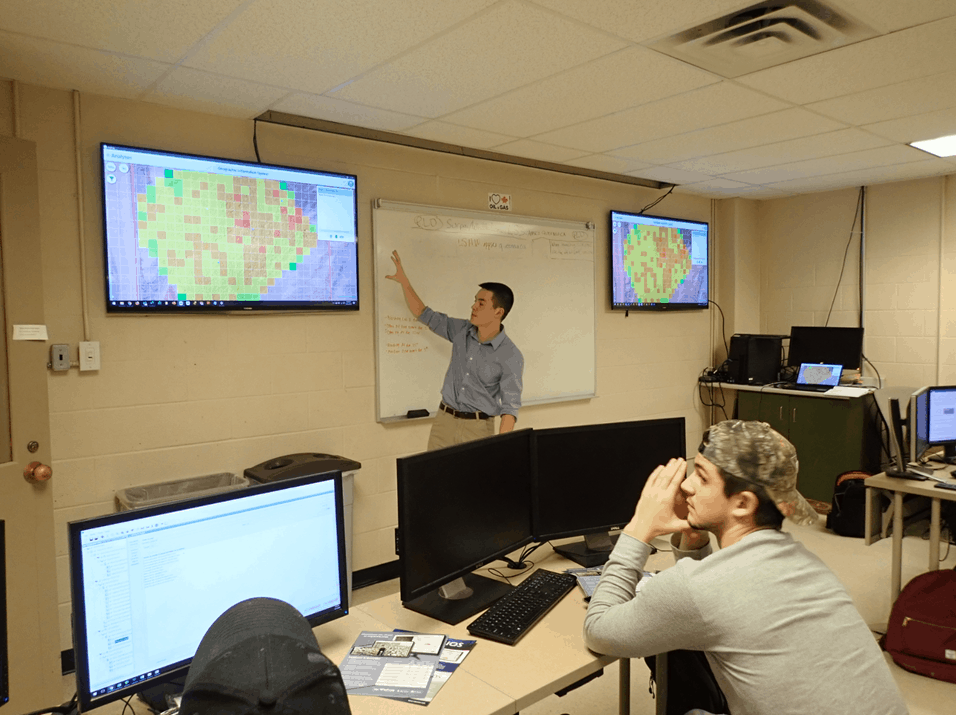
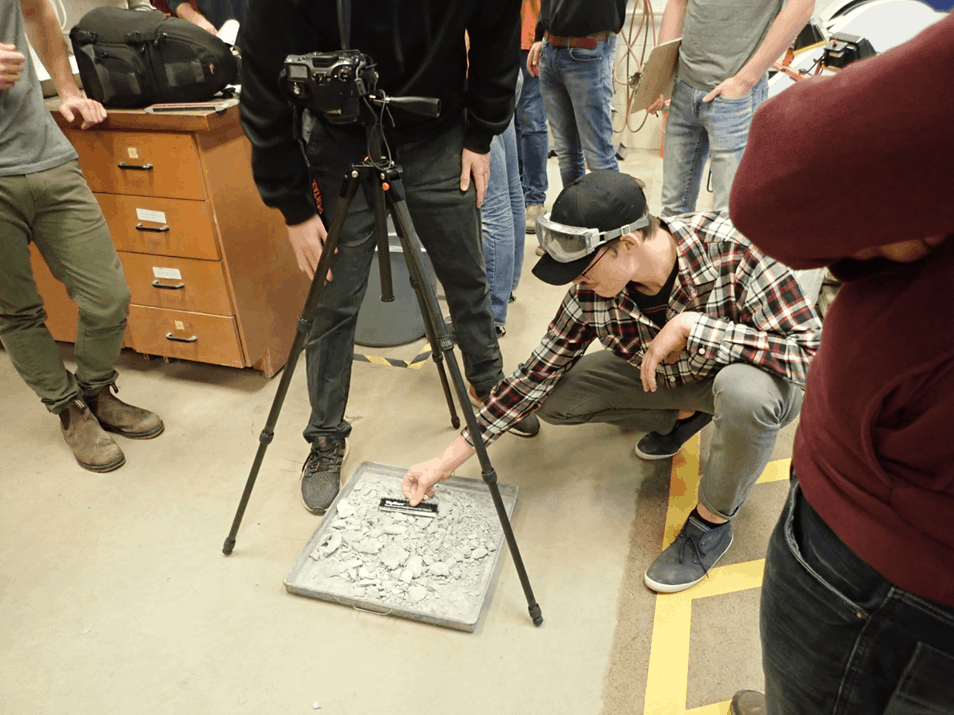
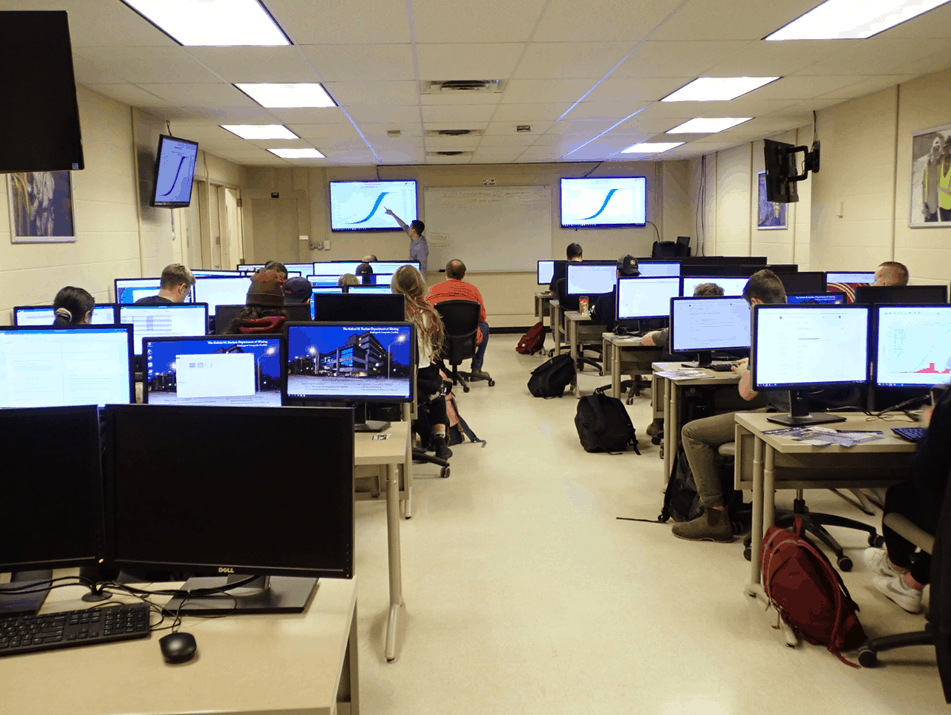
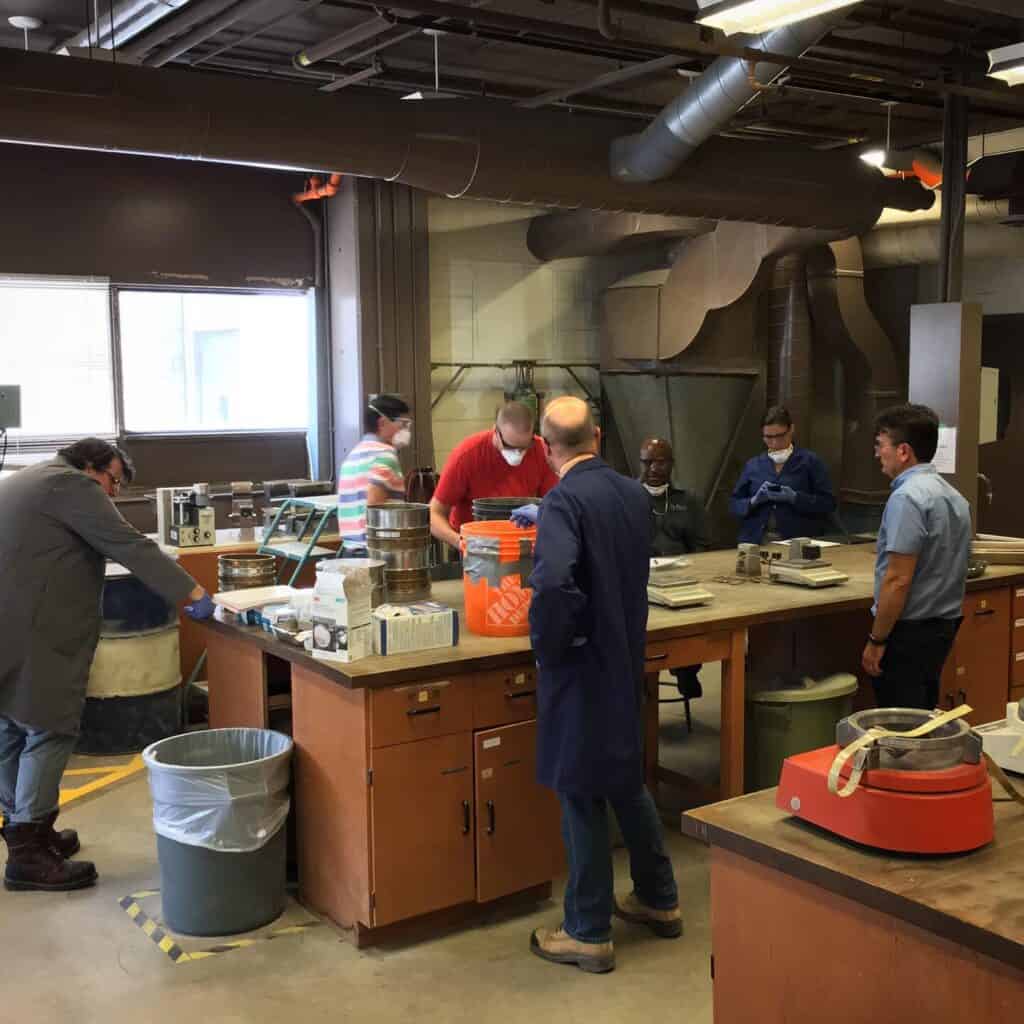
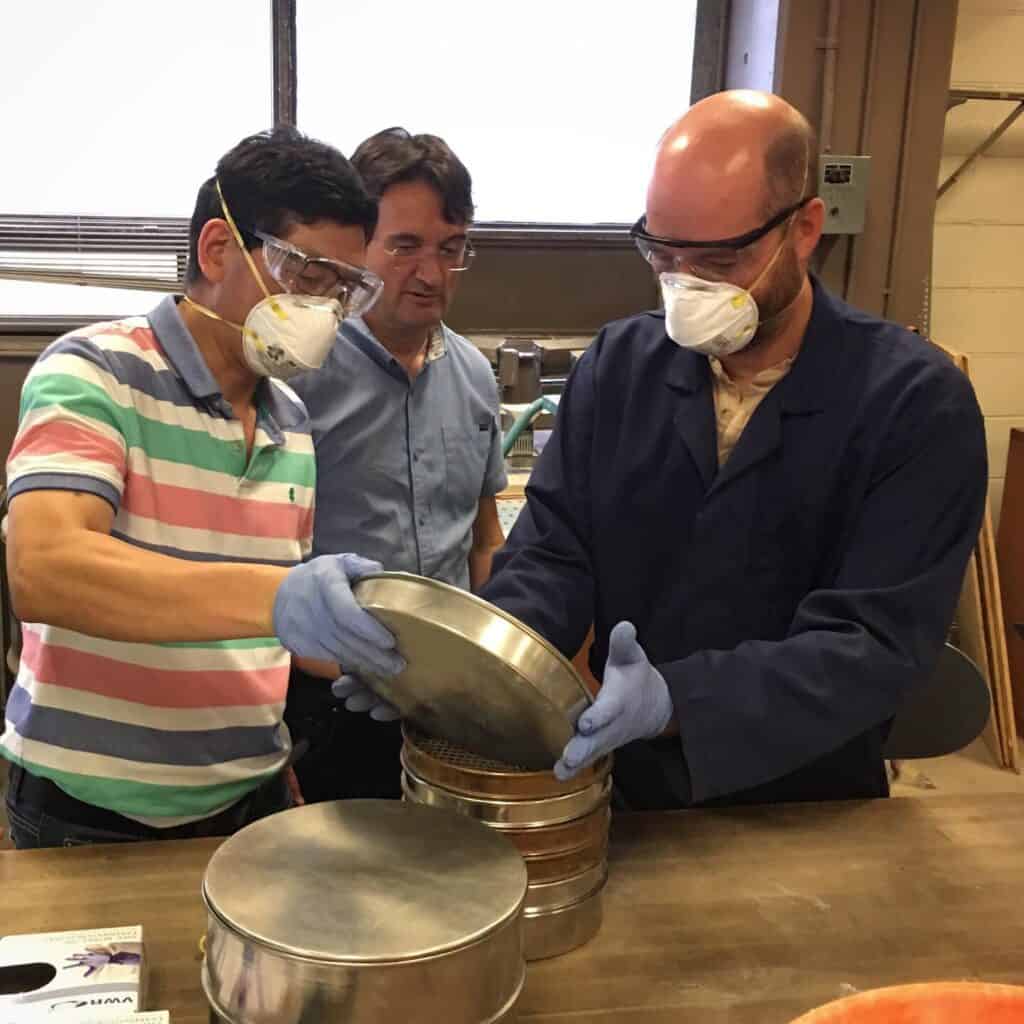
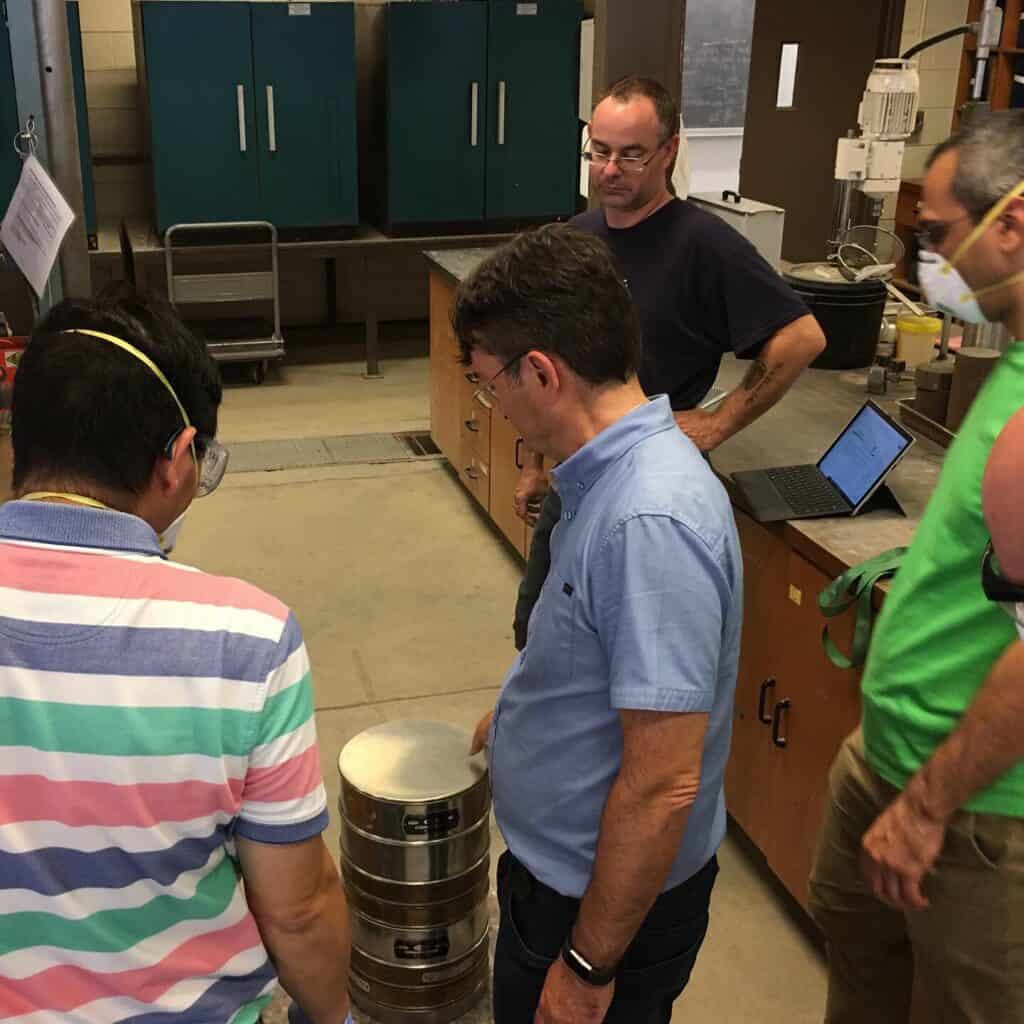
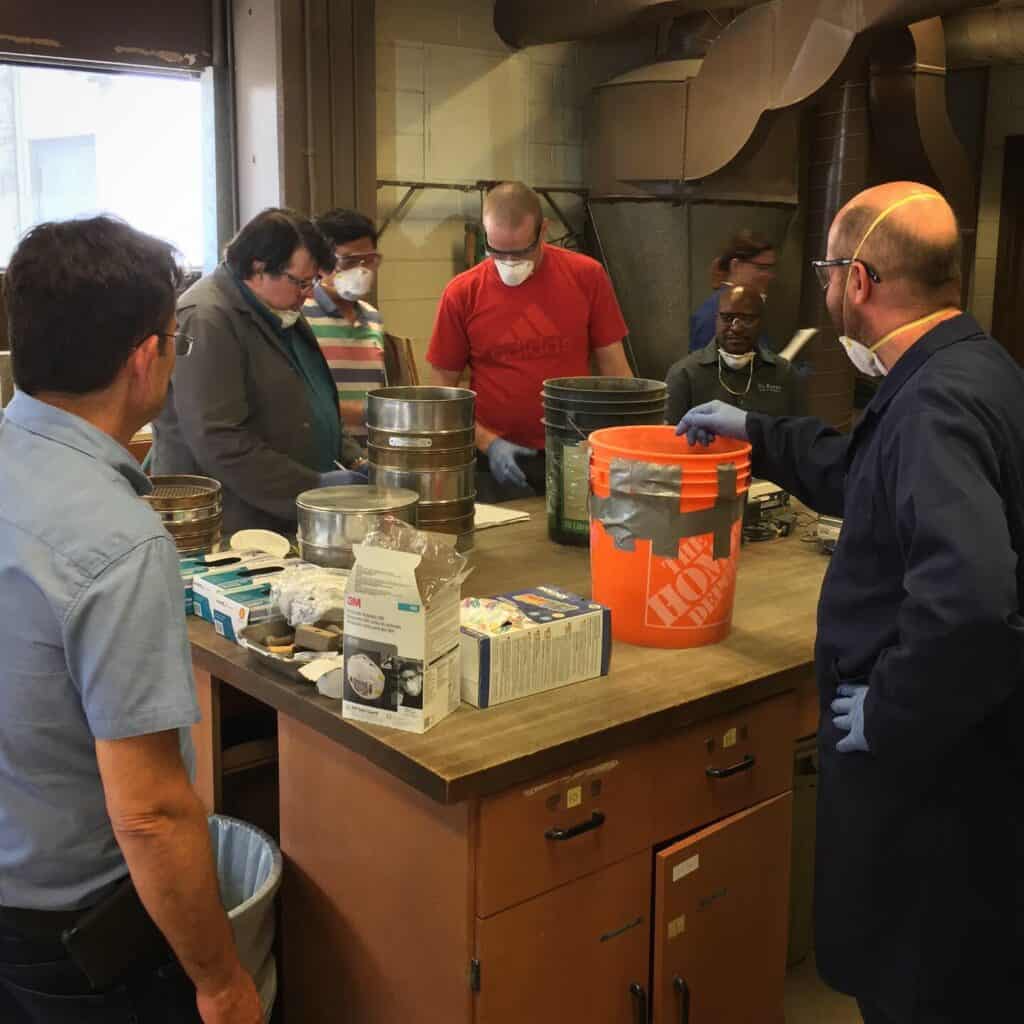
WipWare goes above and beyond to ensure that not only customers, but any individual or company who may show interest in a WipWare product has the utmost training and confidence when it comes to utilizing our extensive line of photoanalysis systems. WipWare offers free training to individuals, companies, colleges, and universities interested in learning about our products. We recently conducted on-campus workshops for mining students at Queen’s University (Kingston), Laurentian University (Sudbury), and ÉTS University (Montreal). In addition to in-person sessions, we provide virtual training and have a library of training videos available for easy access.
For more information about WipWare training please contact support@wipware.com
For more information about our systems, please visit our YouTube channel.



 WipWare